Categories
Who this page is for
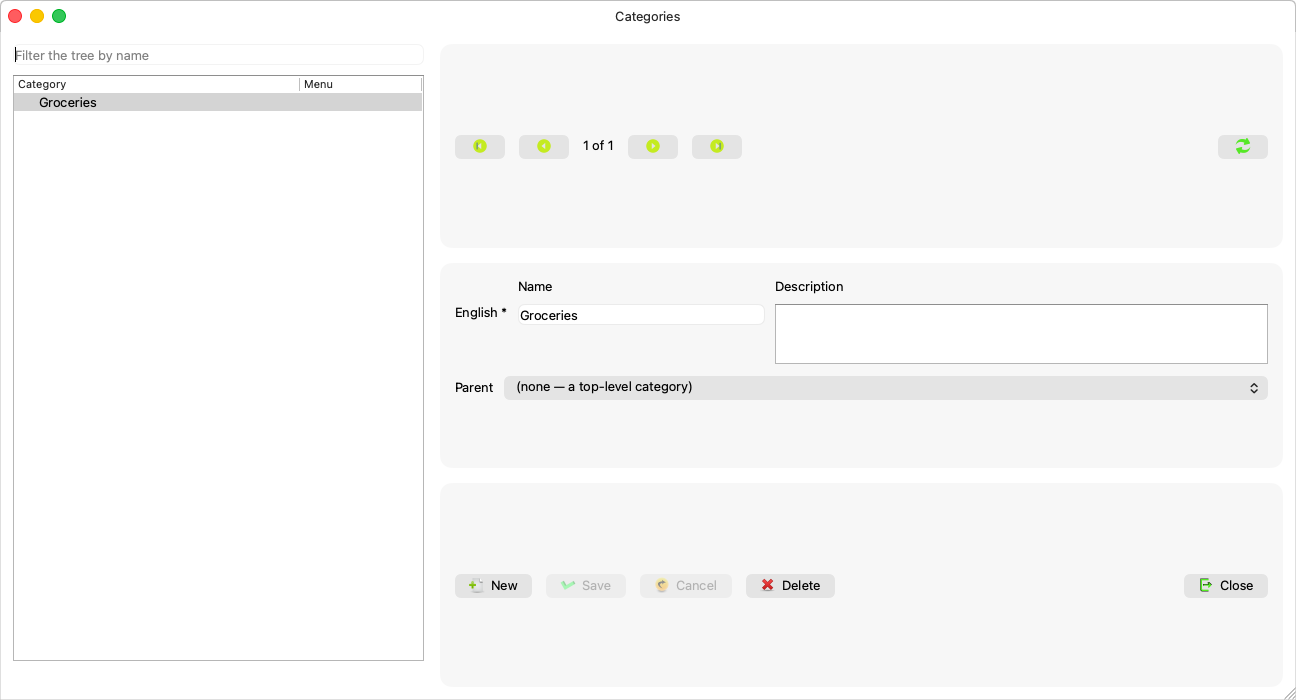
Anyone arranging “The category tree products are filed in, shared with the restaurant menu”. It opens from Master Data ← Categories. The window has the Chart of Accounts shape — a tree, not a search tab, because a category is understood by its place — and above the tree sits “Filter the tree by name”.
Fields explained
| Field | What it means |
|---|---|
| Names | One row per data language, exactly as in Units — the main one required (Data languages). The tree shows one name per node, marked when it fell back to another language. |
| Parent category | A combo indented like the tree; “(none — a top-level category)” for the top. A new category starts under the one selected in the tree. |
| The Menu column | Marks a category that is on the restaurant menu; its line reads: “On the restaurant menu, as {menu_class}. Its menu settings are kept in Konzepti.” |
A category created here does not appear on the restaurant menu — by design: its classification is for the books, and putting it on the menu is Konzepti's business.
Rules and refusals
| Message | What it means |
|---|---|
| “The name in the group's main data language cannot be empty.” | As in Units. |
| “A category cannot be moved under itself or one of its own subcategories. The tree may have changed: refresh it and try again.” | A cycle the combo could not see — the tree changed on the server. |
| “This category has subcategories. Delete or move them first.” | Delete bottom-up. |
| “Products are filed under this category. Move them first.” | Re-file the products, then delete. |
| “The parent category no longer exists. Refresh the tree.” / “This category no longer exists.” | Someone got there before you. |
| “The server returned {count} categories, its limit: the tree may be incomplete.” | A red warning on a huge tree. |
After every save the tree is read again, and the saved category stays shown with its names.
Common mistakes
- Creating a category here and waiting for it on the restaurant menu — complete it in Konzepti.
- Building the tree to match the financial reports: the reports follow the chart of accounts; categories organise the catalogue.