Media and files
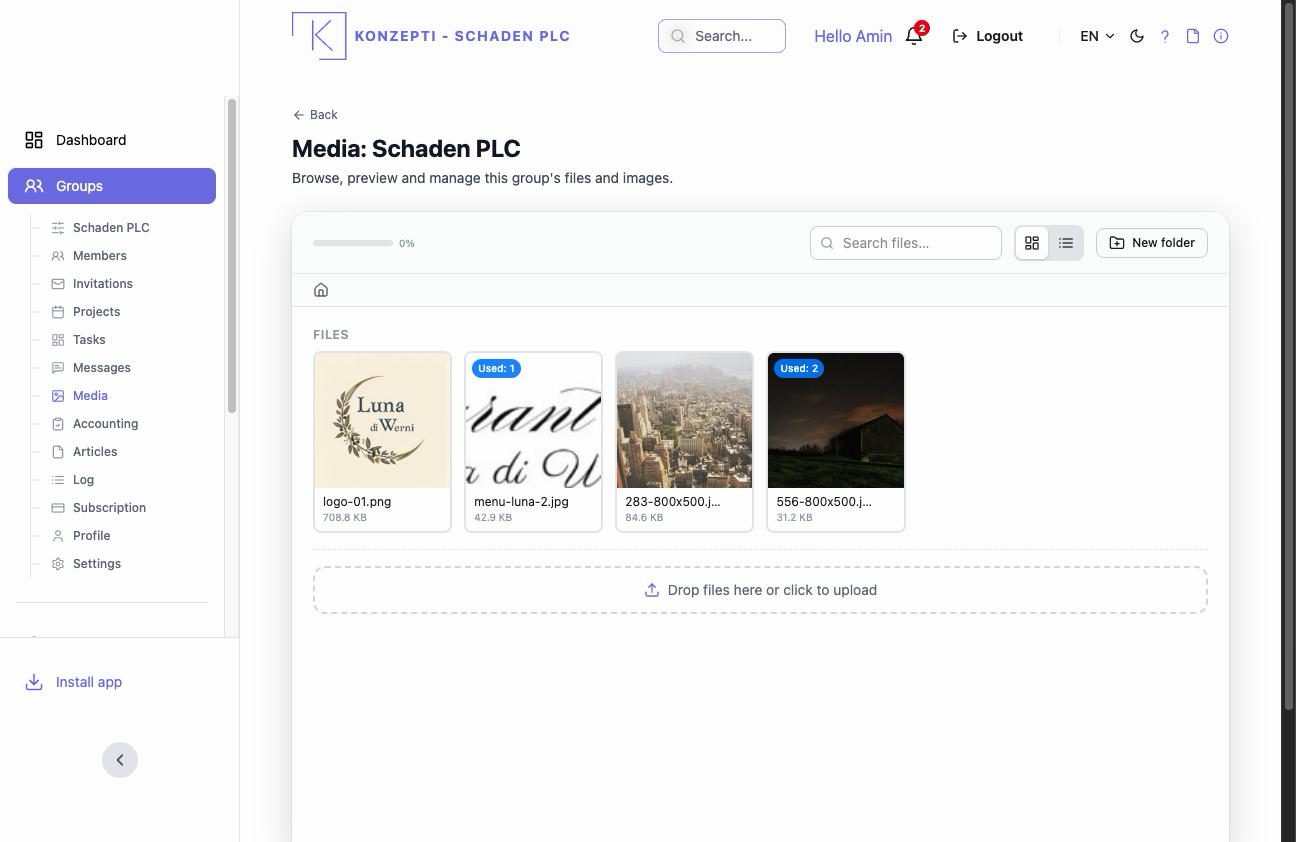
Media is the group's shared library: images and documents its members upload, used by articles and more. Simple dual ownership: a file belongs to its uploader and to the group's admins — they edit or delete it, members read it.
Who is this page for?
Every active member.
Uploading and organising
- Open Media and press Upload files or drop files onto the area.
- Organise with folders: New folder, then Move to folder.
- Switch between grid and list view, and search by name.
Managing a file
From the file's menu: Download, Rename, Move to folder, Delete file. A file used in an article is protected from deletion while in use, and the file's details show where.
The limits
Storage and file size follow the group's plan — the subscription. Accounting documents do not belong here: they have their protected archive.
Common mistakes
- Uploading invoices and accounting papers into the general media — their place is the accounting archive with its narrow access.
- Surprise at a failing delete — usually the file is used in an article.