Settling an invoice from the receipt voucher
Who this page is for
Everyone who records the collection of a posted sales invoice from the receipts window — the Receive payment button in the invoice window reaches the same point pre-filled; Collecting a sales invoice.
Steps
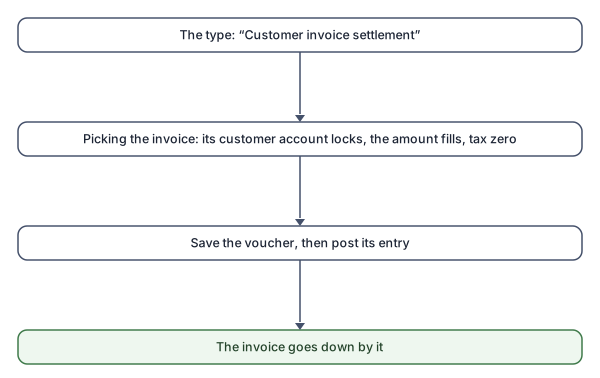
- A new receipt voucher, of the Customer invoice settlement type.
- In the Customer invoice field choose among the posted sales invoices with something outstanding — only the newest are listed: “Only the {count} newest open sales invoices are offered. To settle an older one, open it in Sales Invoices and press Receive payment.”
- The voucher fills in: the customer's account locked (“A settlement books against the invoice's own customer account.”), the amount on the most allowed, the tax zero.
- Adjust the amount for a partial collection, choose “Received into”, Save, then post the entry — and “Settled” and “Outstanding” move on the invoice.
Rules and refusals
The settlement rules in the opposite direction: “A direct receipt does not settle an invoice.”, “A payment settles a purchase invoice, a receipt a sales invoice.”, and the amount's cap is what is outstanding minus what other drafts hold — see Settling an invoice from the payment voucher.