Posting an entry
Who this page is for
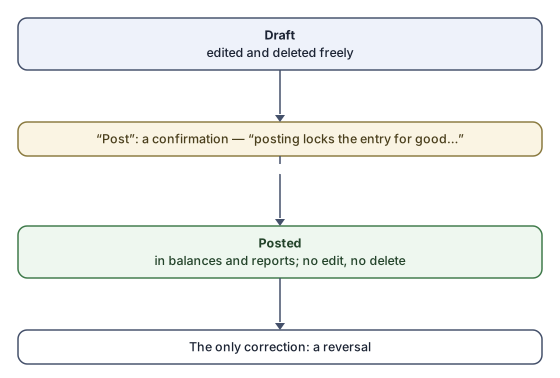
Everyone who fixes a draft into the books. Posting is the one irreversible act in the window, so it is always confirmed.
What you need first
- An entry saved as a draft, clean of unsaved changes: “Save the entry first.”
Steps
-
Show the draft on the Entry tab.
-
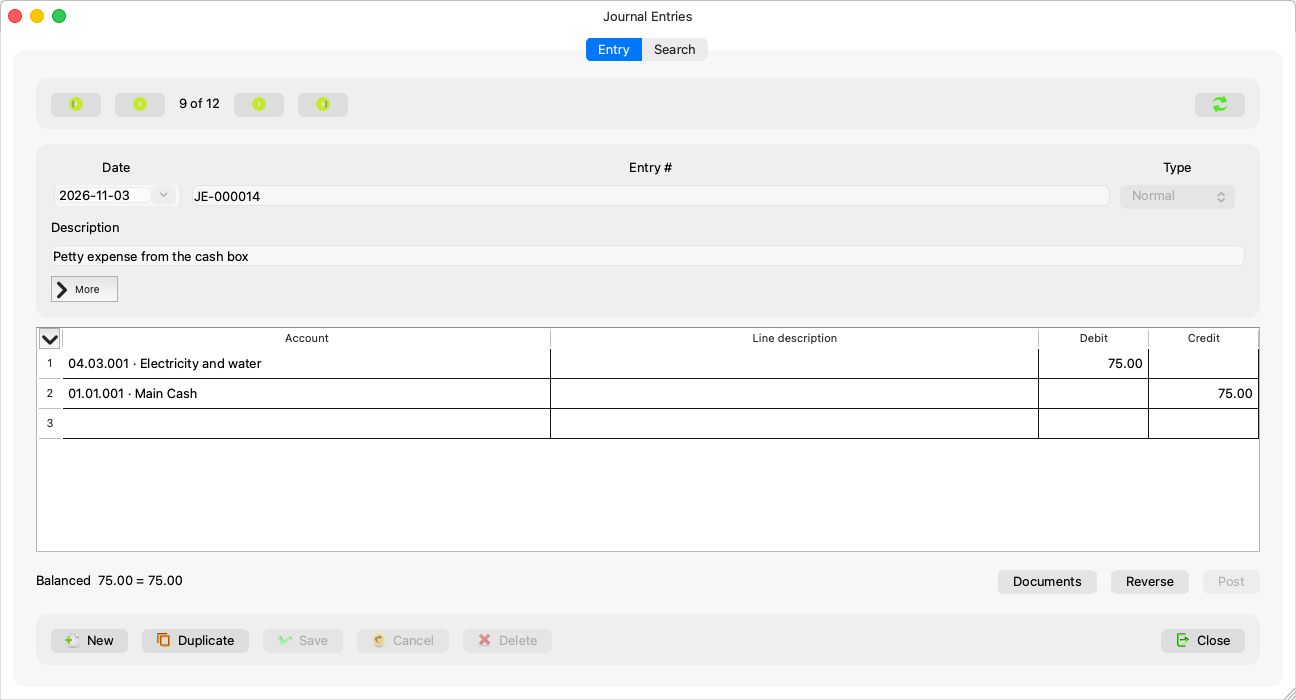
Press Post (Ctrl+B). The app asks:
“Posting locks {number} for good: it can no longer be edited or deleted, only corrected with a reversing entry. Post it?”
-
Confirm. The status becomes Posted, and the fields and lines lock.
To post every draft of a period at once, use “Post entries” in the Accounting Periods window: it shows you every draft before posting them together.
After posting
- The entry reads: “This entry is posted. Correct it with a reversing entry.” — editing and deleting are disabled, and the only correction is reversing the entry.
- The entry enters the account balances and the booked reports.
Rules and refusals
| Sentence | Meaning |
|---|---|
| “Only a draft can be posted.” | The entry is already posted, or reversed. |
| “An entry needs at least two lines to be posted.” | A one-line draft saves but does not post. |
| “Debits and credits do not balance.” | Even the entry, then post. |
| “One of the accounts is a group. Post to an account under it.” | A line's account was converted to a group after the save. |
| “An amount in this entry has more than two decimals. Retype the amounts to the cent, save the entry, then post it.” | An old entry with amounts finer than the cent. |
| “Its accounting period is closed.” | Reopen the period (Accounting Periods) or move the date. |
| “Its accounting period is closing: only adjustments may be booked.” | A period in its closing takes adjustments and corrections only. |
Common mistakes
- Posting before reviewing, counting on deleting later — there is no deleting after posting, and the correction is a reversing entry that stays in the books.
- Wondering where the drafts went in the reports: reports show what is booked by default; ask for drafts explicitly in the report window's “Entries” option.