VAT report
Who this page is for
For whoever prepares the tax return: “Output and input VAT over a period, per rate, with the amounts it was charged on”.
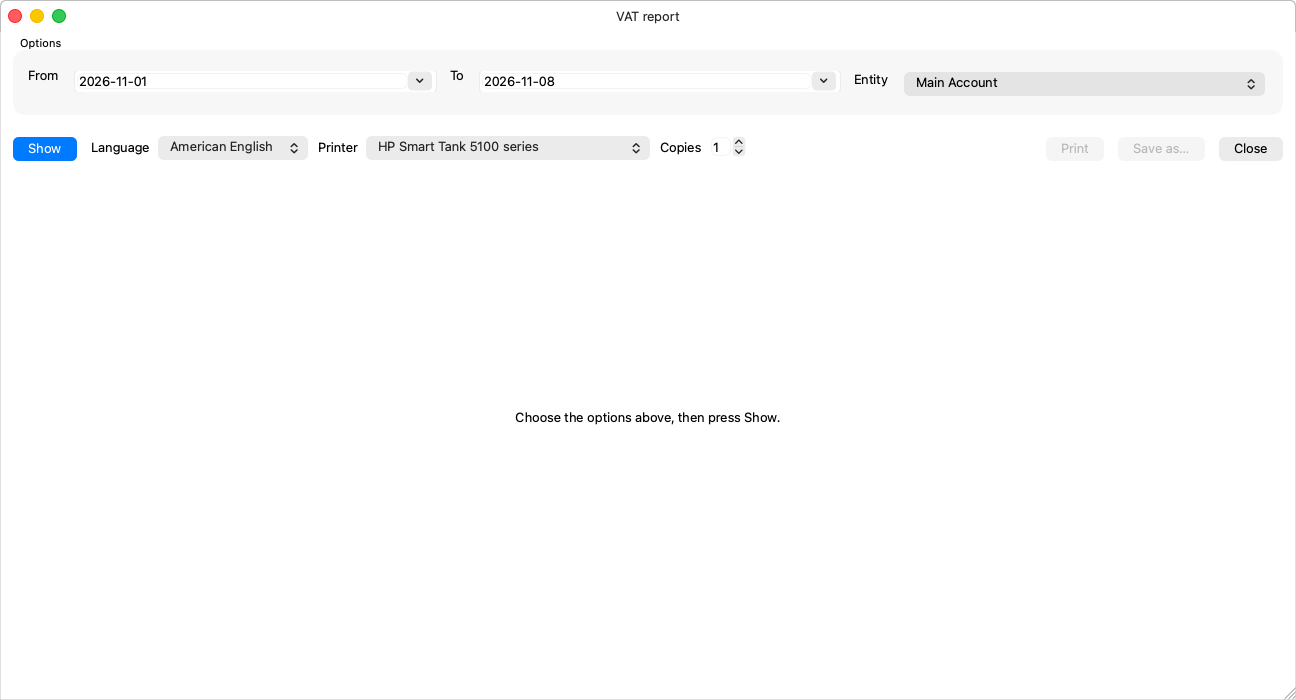
Options
| Option | Notes |
|---|---|
| From / To (required) | Starts on the current month — the filing period is usually a month or a quarter; set both dates to it. |
| Entity (required) | The return is per entity. |
There is no Entries option here: the report is on the booked — tax is declared on what entered the books.
What it shows
- Output VAT: on sales, one line per rate — the tax base (the amounts it was charged on) and the tax.
- Input VAT: on purchases, split the same way.
- The difference is what is remitted or reclaimed.
The figures come from the tax entries the invoices and vouchers generated on the group's input and output VAT accounts (Accounting Settings → Taxes).
Rules and what is worth knowing
- Post before you file: a draft invoice or voucher has no tax here until it is posted — review “Unposted entries” in the Accounting Periods window before preparing the return.
- Tax typed by hand on a voucher (“The tax was typed by hand; the rate is kept for reference.”) counts at its recorded amount.
- Close the filing period after remitting, so no late entry slips into it — Closing a period.
Related pages
- Creating a payment voucher — the amounts and the tax.
- Closing a period