Your profile
Your profile is your face in Konzepti: what colleagues in all your groups see about you — picture, name, bio. A clear profile makes it easy to know who is speaking in tasks, messages and comments.
Who is this page for?
Every user.
What you edit
- From your account menu choose Edit profile.
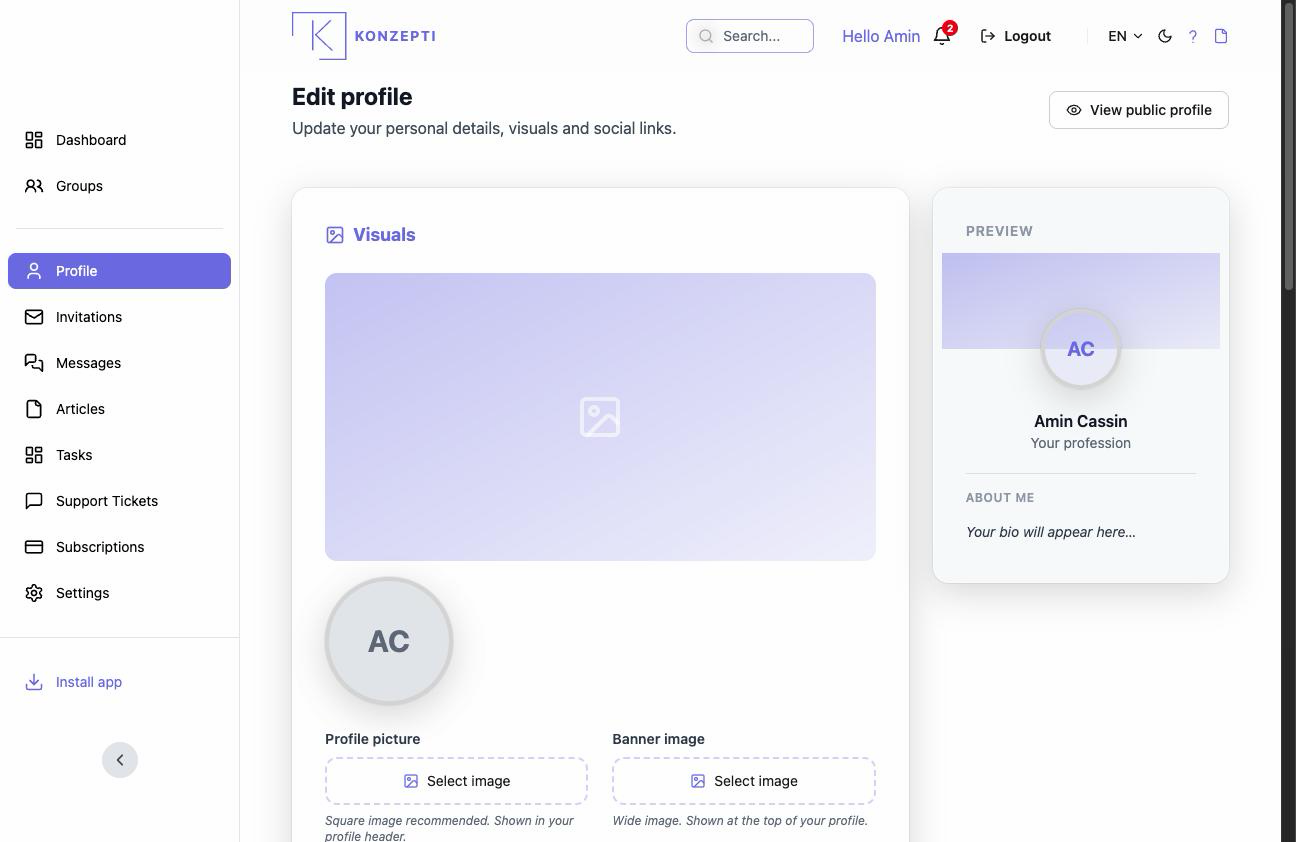
- The avatar — appears next to your name everywhere; pick a clear picture.
- The cover image — the header of your page.
- Basic information and personal information — your name and whatever you choose to show.
- About me — a short bio, and social links if you like.
- Save.
What you see after
The change is immediate wherever your name appears. Your personal data is your business: show only what serves you.
Common mistakes
- Confusing it with the group's public profile — this is yours; that is the group's storefront.