Your business control panel
When your group is set up as a business, Konzepti gives it a control panel — a single place to manage the things a business needs: a catalog, bookings, customer messages, and a full export of your data.
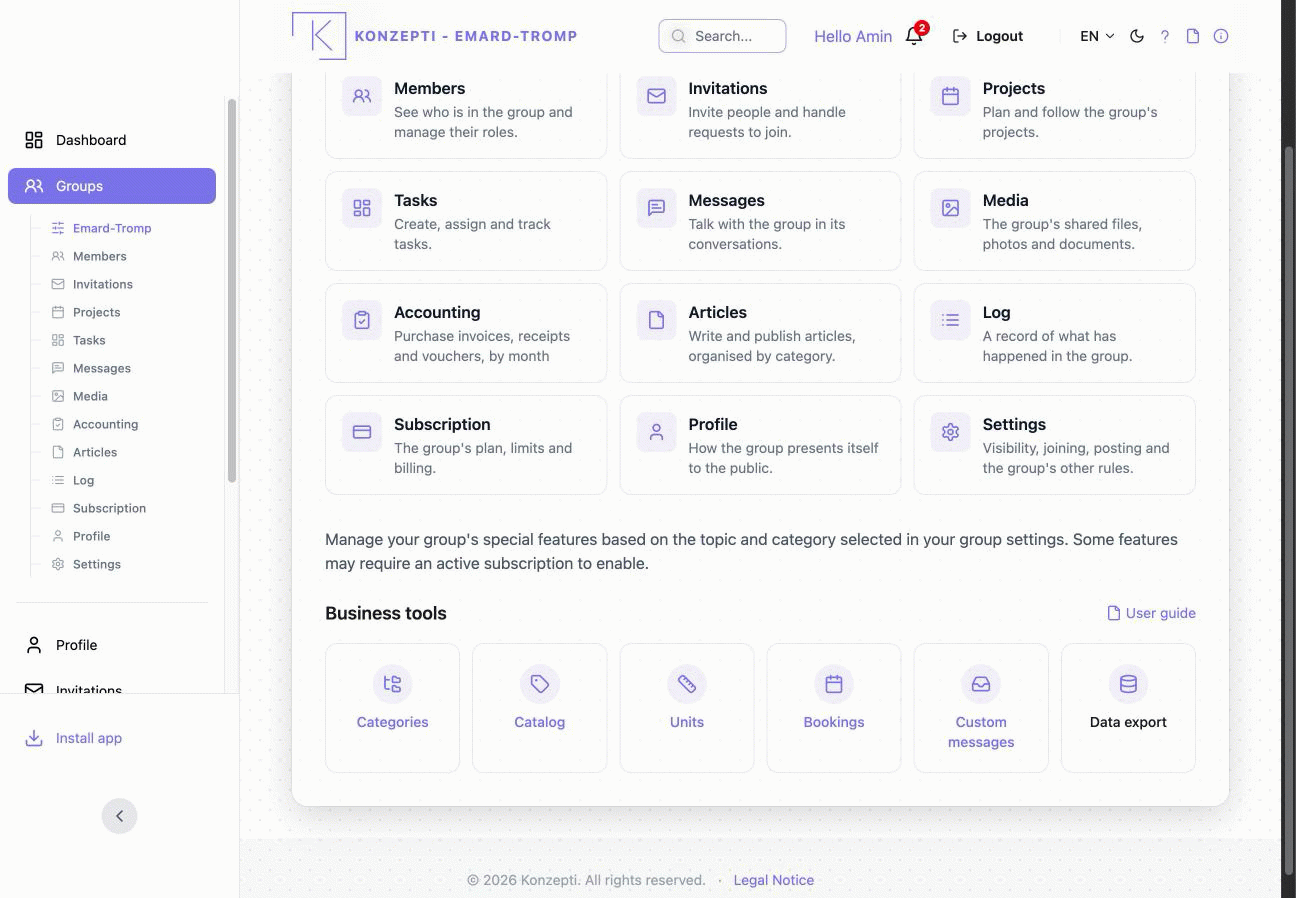
If your group's activity has a dedicated layout (for example, a restaurant), you see that specialised panel. Every other business — and any group that has not yet chosen an activity — sees the general business panel shown below. You do not need to set anything up to get it; it appears automatically.
The status indicators
Next to your group's name are two small indicators:
- The dot — green when your group is connected to the business service, red when it is not.
- The database icon — green when your group's data store is ready. When it is ready, clicking it lets you download all of your group's data.
Business tools
The panel gives you up to five tools. Some require an active Business subscription to use; the cards are always visible so you can see what is available.
| Tool | What it does |
|---|---|
| Categories | Organise your catalog into a tree of categories. |
| Catalog | Add and manage the things you offer — your services or products, each with prices and translations. |
| Bookings | Manage bookable resources, time slots, customers, and the day-by-day bookings board. |
| Custom messages | Read and reply to messages sent from your website's contact form. |
| Data export | Download everything in your group as a single archive (JSON or CSV). |
Note. Custom messages and Data export work for any active member. Categories, Catalog, and Bookings run through the business service and need an active Business subscription — see Subscribing for your group; without one, opening a tool shows an "unavailable" message.
To adjust how the panel behaves, see Tailoring the panel in Settings.