Journey: opening and following a support ticket
You need something from a group — a question or a report — and you want an answer you can track, not a message that gets lost. Three stations.
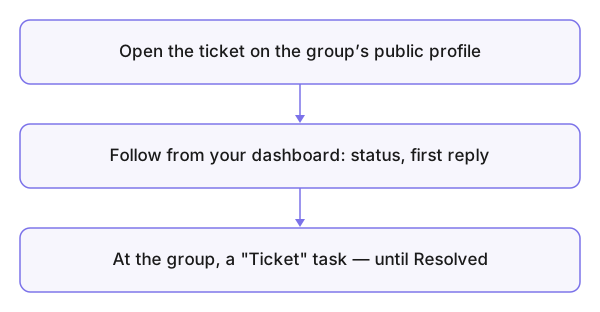
- Open the ticket — from the group's public profile press Support Ticket: choose the type, write your message with its details, Send.
- Follow from your dashboard — Support tickets: the state, the first response, every reply. Your answer goes in the same ticket — don't open a second one for the same matter.
- On the group's side — your ticket is a task with the Ticket badge among its tasks, assigned and worked, with your conversation in its comments until you see Resolved (the concept).