Collecting a sales invoice
Who this page is for
Everyone who received money from a customer against a credit invoice. The collection is a receipt voucher linked to the invoice — the mirror of paying a purchase invoice.
What you need first
- A posted sales invoice with something outstanding. A cash invoice was collected when it was issued.
Steps
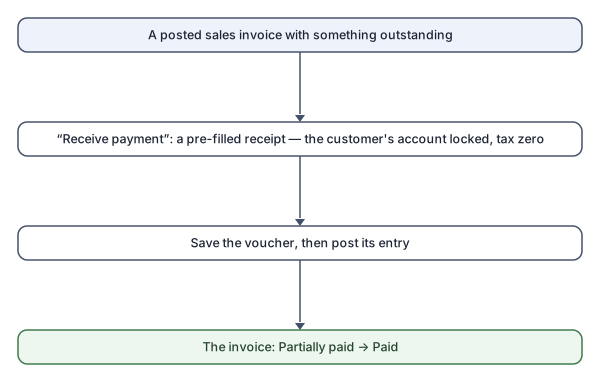
- Open the invoice and press Receive payment. A new receipt
voucher opens, of the “Customer invoice settlement” type, with the
invoice chosen:
- The account is locked to the invoice's customer: “A settlement books against the invoice's own customer account.”
- The amount is filled with what may be collected, and the tax is zero: “A settlement carries no tax: the tax was booked with the invoice.”
- Adjust the amount for a partial collection, and choose the “Received into (cash / bank)” account.
- Save the voucher and post its entry. Before the posting the amount shows under “Pending”; after it, “Settled” and “Outstanding” move and the status becomes “Partially paid” or “Paid”.
Rules and refusals
The settlement rules themselves, mirrored: the amount's cap is what is outstanding (minus what other drafts hold), “A payment settles a purchase invoice, a receipt a sales invoice.”, and the voucher's invoice list shows only the newest: “To settle an older one, open it in Sales Invoices and press Receive payment.”