Reversing an entry
Who this page is for
Everyone who posted an entry and then found a mistake in it. A posted entry is neither edited nor deleted; its correction is a reversing entry: a new entry that swaps its debits and credits and so cancels its effect, while both stay in the books.
What you need first
- A posted entry: “Only a posted entry can be reversed.”
- A manual entry: a generated entry is corrected from its document — Generated entries.
Steps
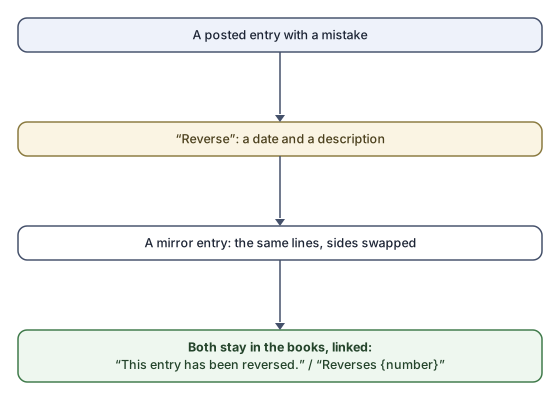
- Show the posted entry and press Reverse.
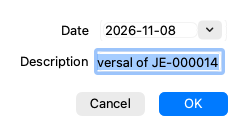
- In the “Reverse entry” dialog enter the date (today by default) and the description — “Reversal of {number}” is suggested.
- Confirm. The server books the reversing entry and the app shows it.
What you see next
- The original reads “This entry has been reversed.” and links to the entry that reversed it.
- The reversing entry links back to the original, and its lines are the original's with the sides swapped.
- To book the operation correctly, create a fresh Normal entry (the Duplicate button on the original starts it with the same lines for you to correct).
Rules and refusals
- The reversal's date follows the same period rules: a closed fiscal year refuses it, and at the Simple level you are asked about reopening a closed period.
- “Only a posted entry can be reversed.” — a draft is edited or deleted directly, never reversed.
- An entry already reversed cannot be reversed again.