Tailoring the panel in Settings
You can adjust how the business panel behaves from Settings → Business panel. This section only appears for a business group that does not use a specialised layout.
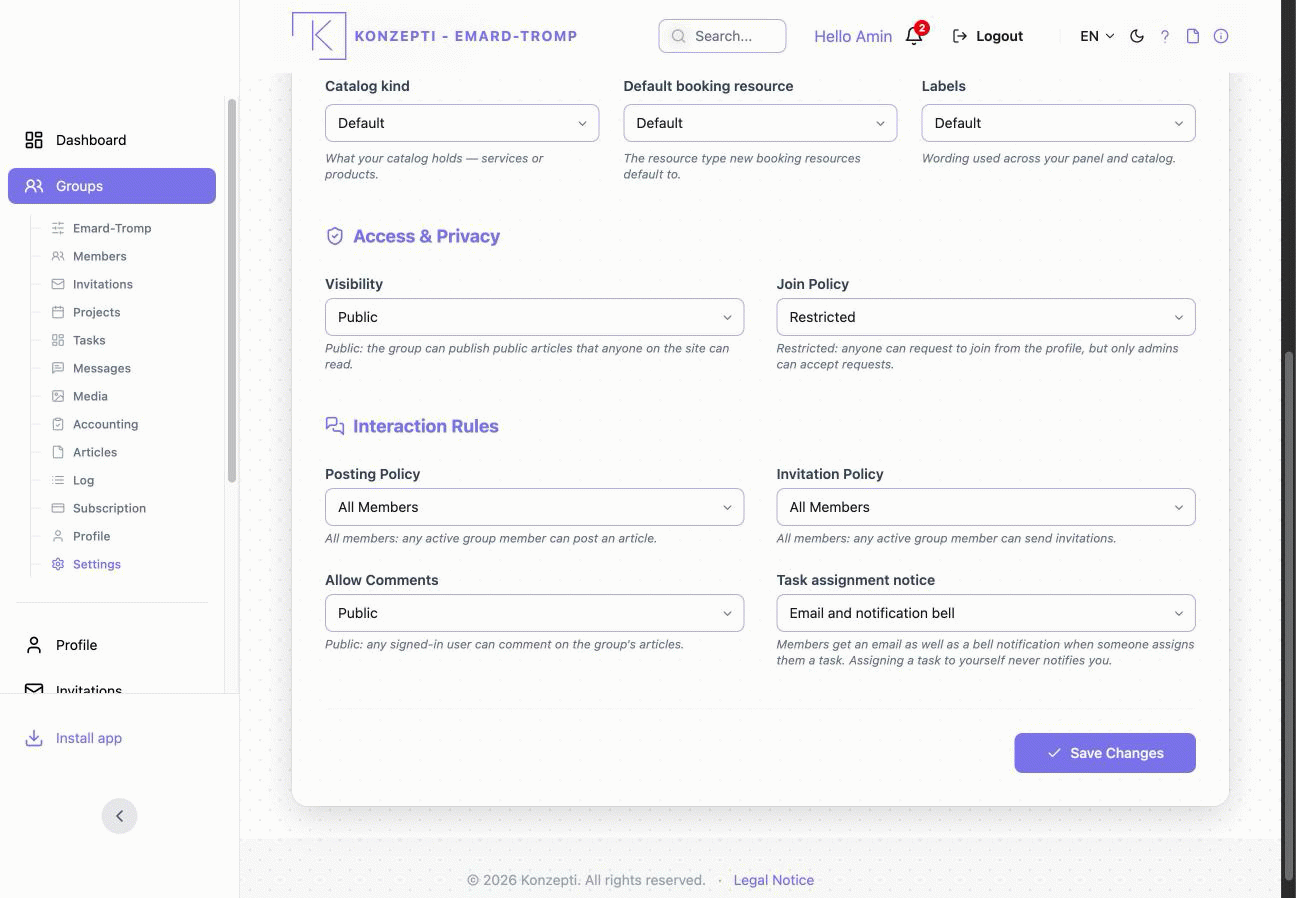
Each preference has a Default option — leave it on Default and Konzepti chooses a sensible value for you. Change it only when you want something specific.
Catalog kind
What your catalog holds. Choose Services if you sell services (the default), or Products if you sell physical goods. This sets what a new catalog entry is created as, so your catalog matches your business.
Default booking resource
The resource type new booking resources start as. When you add a bookable resource, its type is pre-filled with this value — for example a staff member for an appointments business, a room, or a vehicle — so you fill in one less field each time.
Labels
The wording used across your panel and catalog. Pick the vocabulary that fits your business:
- Generic — neutral wording ("Catalog", "Add item").
- Services — service wording ("Services", "Add service").
- Retail — product wording ("Products", "Add product").
Changing this only changes the words you see; it does not move or delete any of your data.
You can change these settings at any time. Leaving everything on Default is a good starting point — come back and tune them once you know how you want your panel to read.