Paying a purchase invoice
Who this page is for
Everyone who records the payment of a vendor's credit invoice. The settlement is a payment voucher linked to the invoice — see also Settling an invoice from the payment voucher.
What you need first
- A posted invoice with something outstanding: “Only a posted invoice can be paid.” A cash invoice was paid when it was issued, and no Pay is offered on it.
Steps
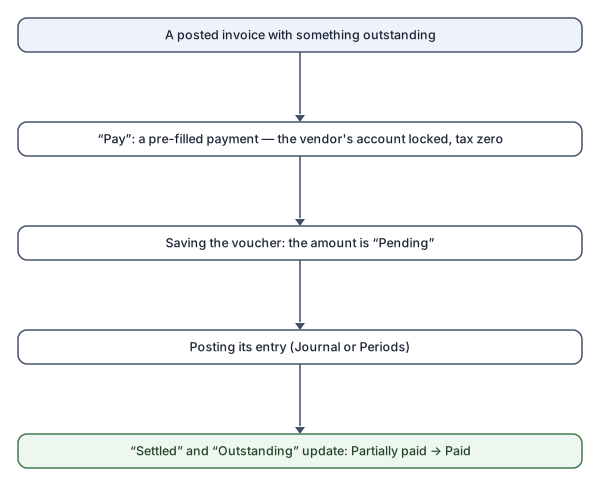
- Open the invoice and press Pay. The Cash/Bank Payments window
opens on a new voucher of the “Vendor invoice settlement” type,
with the invoice chosen:
- Account / beneficiary is locked to the invoice's own vendor account: “A settlement books against the invoice's own vendor account.”
- The amount is filled with what may be paid, and the tax is zero: “A settlement carries no tax: the tax was booked with the invoice.”
- Adjust the amount for a partial settlement, and choose the “Paid from (cash / bank)” account.
- Save the voucher, then post its entry (from the journal or the periods): the invoice counts as settled by posted entries only; before the posting the amount shows under “Pending”.
What you see next
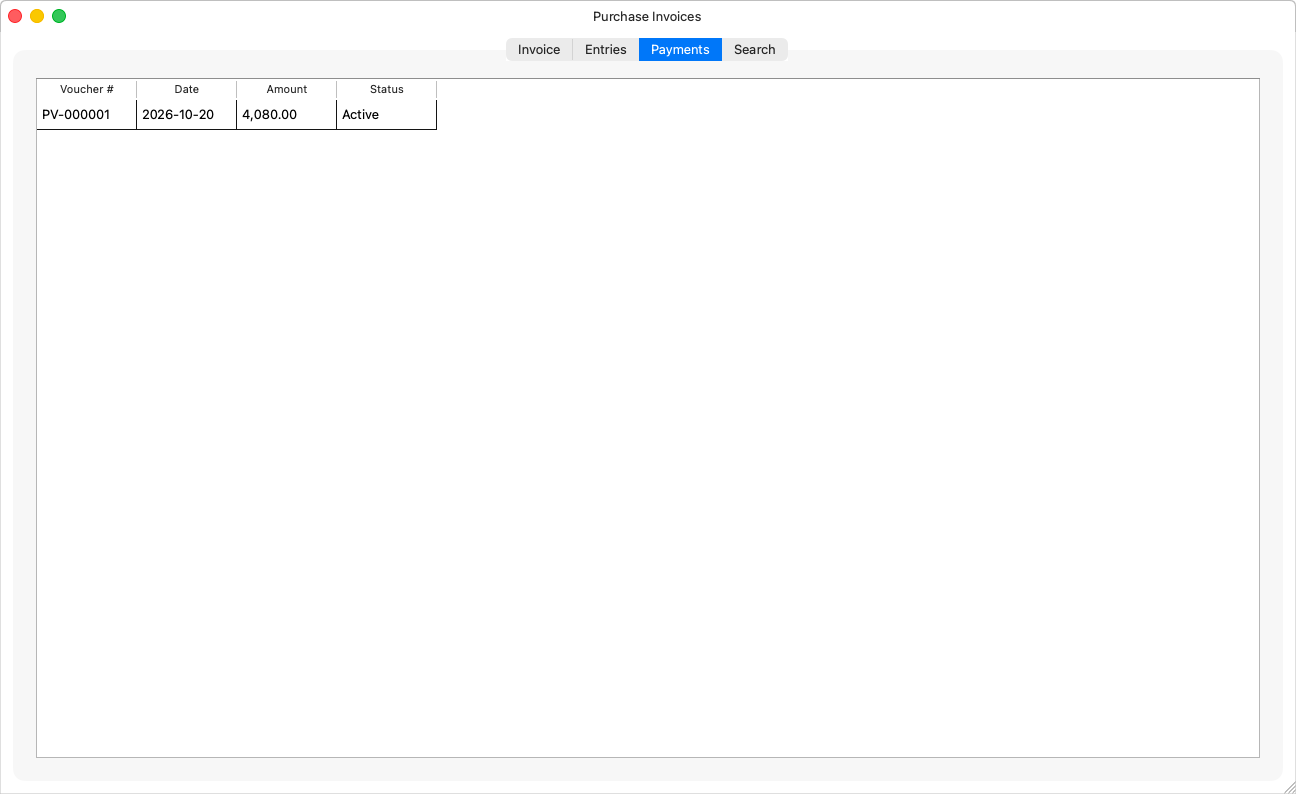
On the Payments tab the voucher appears; “Settled” and “Outstanding” move, and the status becomes “Partially paid” and then “Paid” — with “{status}, payment pending” in between, as long as the voucher's entry is a draft.
Rules and refusals
| Sentence | Meaning |
|---|---|
| “The amount is more than what is still to pay on the invoice. This payment may be at most {amount}.” | The cap is what is outstanding. |
| “The amount is more than the invoice can still take. This payment may be at most {amount}: payments not yet posted claim {pending}.” | Other draft settlements hold their share. |
| “This invoice is already paid.” | Nothing is outstanding. |
And deleting an invoice with settlements is refused: “Payments settle this invoice: void or re-point them first.” — or, for a draft settlement: “A draft payment settles this invoice: delete or re-point it first.”
Common mistakes
- Forgetting to post the voucher's entry: the amount stays “Pending” and the invoice never becomes paid — “Draft payments already cover what is outstanding. Post them in the journal.”
- Settling from the voucher's list for an older invoice it does not show: the voucher's list offers only the newest open invoices; “To pay an older one, open it in Purchase Invoices and press Pay.”