The group's public profile
A group has two faces: its internal panel for members, and its public profile for everyone else. The public profile is what a visitor sees before joining — the description, images, public articles and the Request to Join button where the policy allows — so it is your group's first storefront.
Who is this page for?
The leader and admin; they edit the profile.
Editing
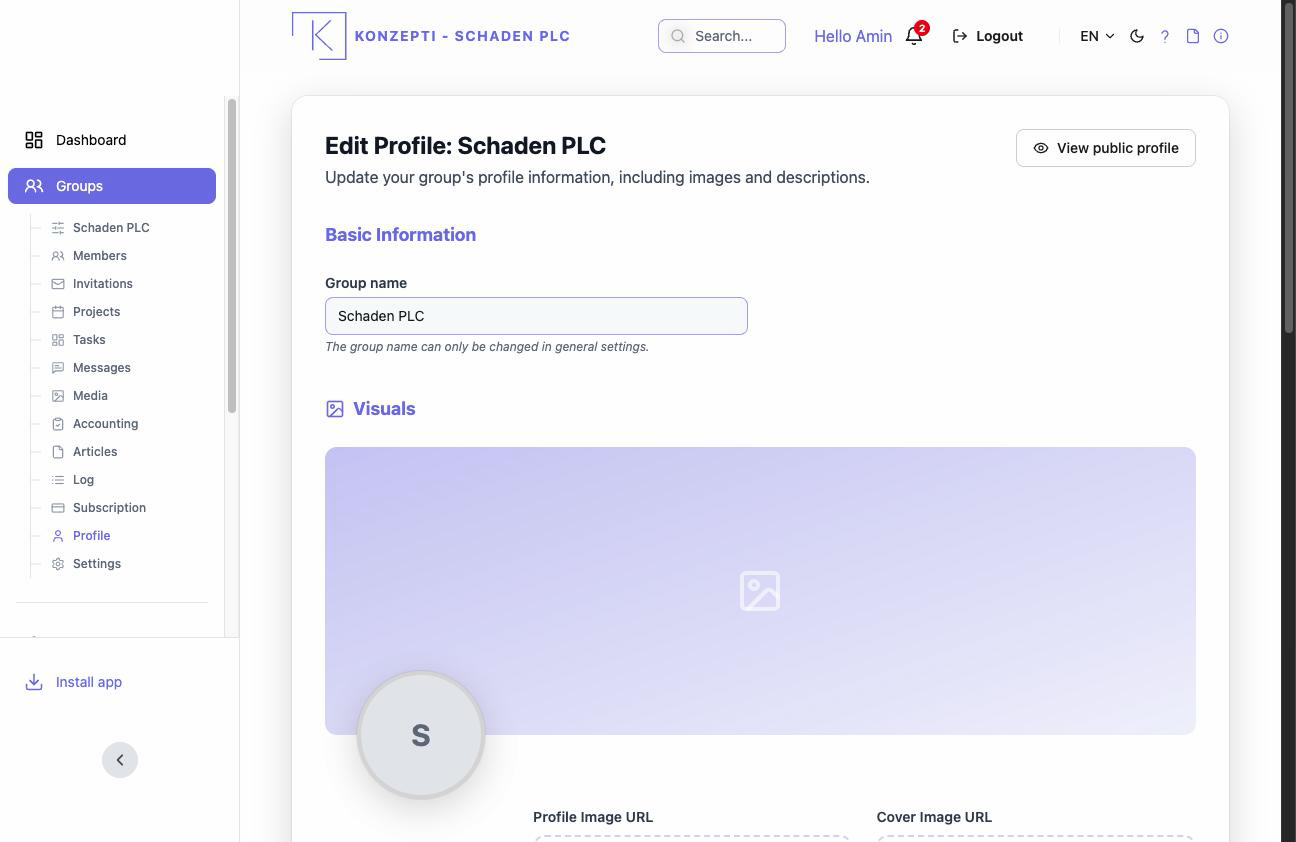
- From your group open the group's Edit Profile.
- Edit the Short Description, the founder information and the details.
- Set the images: the profile image and the cover image.
- Preview with a visitor's eyes via View public profile.
The group's name is not changed here — that belongs to the group settings, and whether the page shows at all is governed by Visibility there.
What you see after
A public page with the description, images and public articles (group articles); join requests arrive from it into Members.
Common mistakes
- An empty description and default images — and then expecting join requests.
- A "private" group in the settings while waiting for public-profile visitors.