How do I write and publish an article?
Who is this page for?
Anyone writing in their own name inside a group.
What you need first
Membership in a group to publish in.
Steps
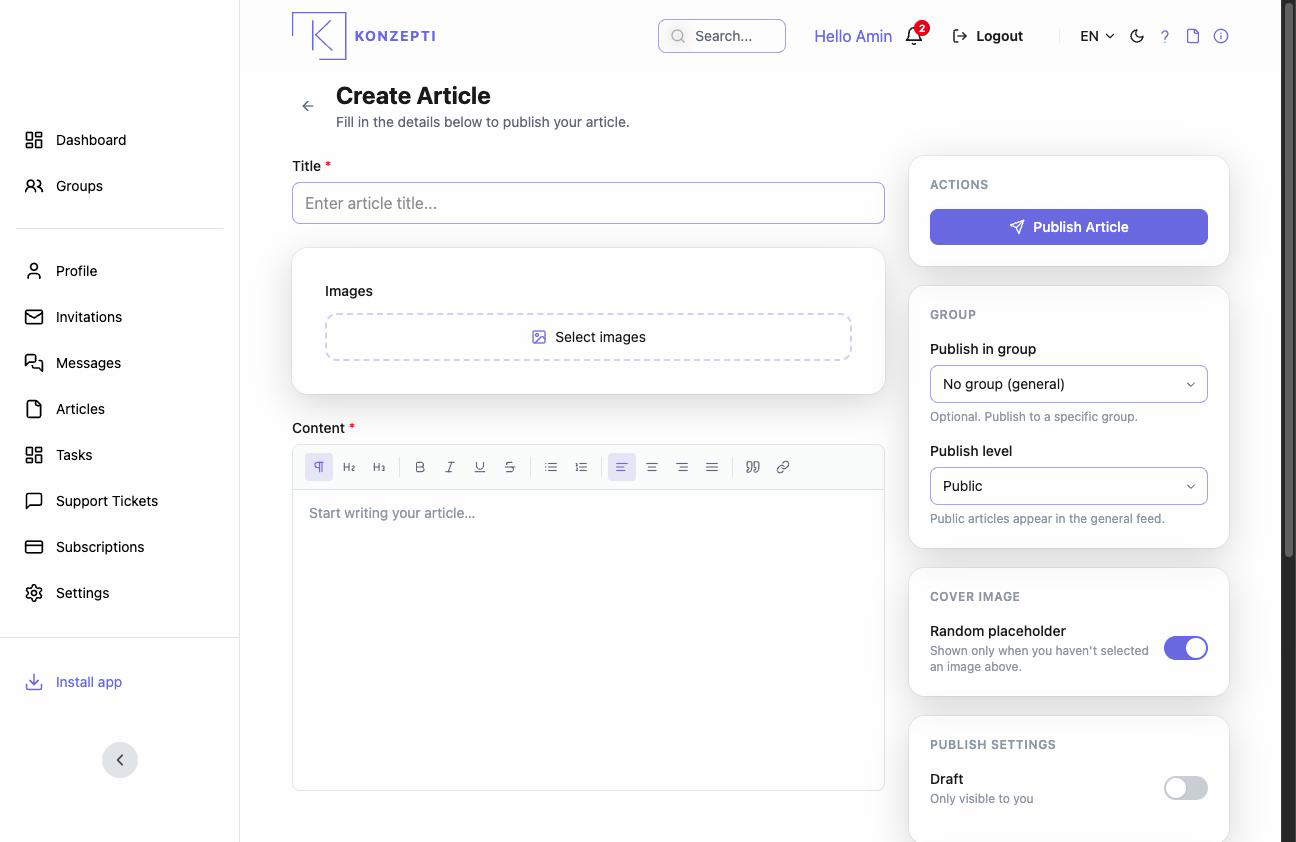
- From the Your Articles card press Write article.
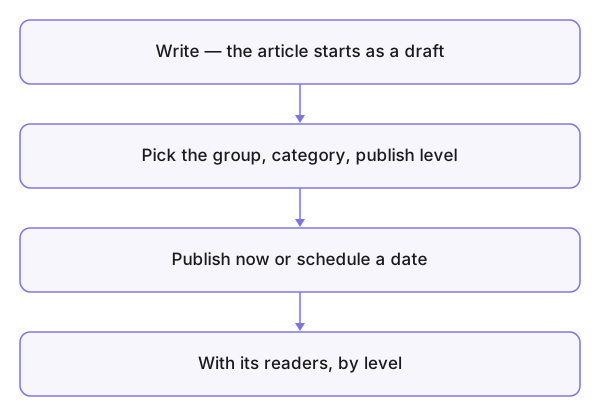
- Write the title and content — rich formatting and images from the group's media.
- In Publish Settings: the group, the Category and the Cover Image.
- The Publish level — the decision that matters: inside the group for its members, or public for everyone.
- Stay a Draft until ready, then switch to Published — or set a scheduled publish date.
What you see after
The article reaches its readers per its level; engagement runs through comments and likes where the group settings allow; and you follow it from your personal articles.
Common mistakes
- "Public" for what was meant to stay internal — check the level before publishing; what went out publicly has been read.
- Images uploaded at random with no folders — organise the media first.