Reopening a period
Who this page is for
For a group administrator: the button does not show for anyone else, and the server refuses anyone else anyway. A period is reopened to book what was missed, then closed again.
Steps
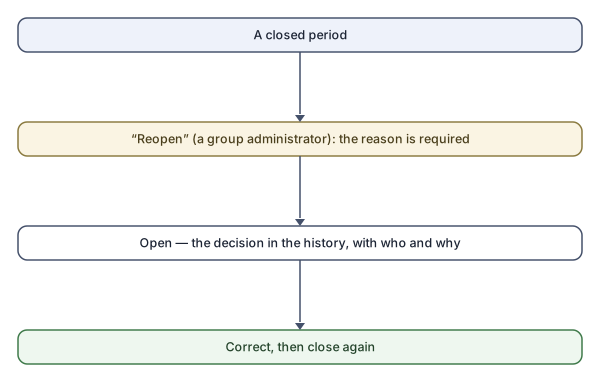
- Select the closed period and press Reopen.
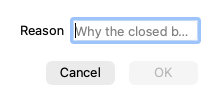
- The “Reopen {name}” dialog asks for the reason — required (“A reason is required.”): “Why the closed books are being reopened”, for example “e.g. awaiting supplier invoice”.
- Confirm. The period is open, and the decision is in the History pane: “{date}: reopened by {who} — {reason}”.
At the Simple level you rarely need the button: saving an entry dated in a closed period offers the reopen in its own question, and the history records “(automatic, from a journal entry)”.
Rules and refusals
| Message | Meaning |
|---|---|
| “Only a closed period can be reopened.” | The period is open, or still closing. |
| “This month belongs to a closed fiscal year. Reopen the year first, on the Fiscal years tab.” | A month in a closed year does not open by itself — Reopening the fiscal year. |
Common mistakes
- Leaving the period open after the correction — close it again, or it keeps accepting bookkeeping.
- An empty or generic reason wastes the history's value at audit time.