Taxes: the two VAT accounts
Who this page is for
Group administrators. The Taxes tab decides where VAT books for the whole group — a one-time setting that every taxed invoice and voucher depends on.
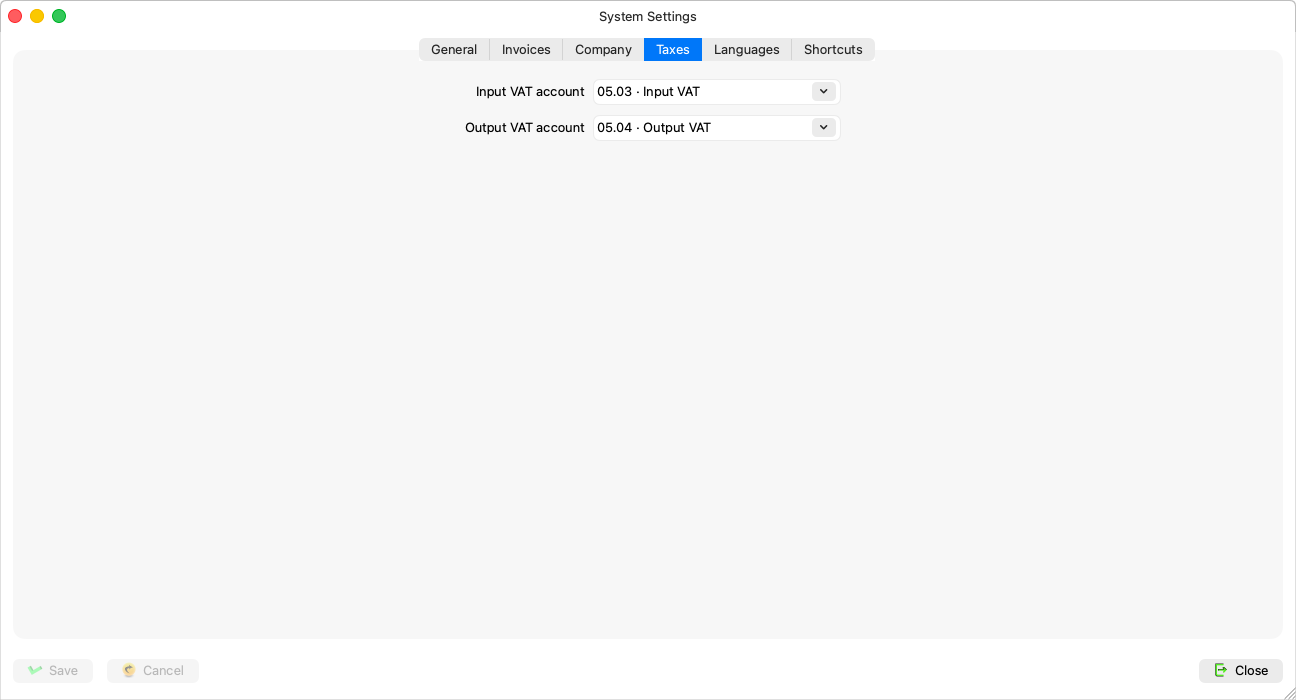
The two fields
| Field | What it means |
|---|---|
| Input VAT account | “Where the tax paid on a taxed payment is booked, for the whole group” — purchase invoices and payment vouchers use it. |
| Output VAT account | “Where the tax collected on a taxed receipt is booked, for the whole group” — sales invoices and receipt vouchers use it. |
Both are pickers over the chart's posting accounts.
What depends on them
Without the input account: “A taxed invoice needs the Input VAT account (System Settings).” and “Set the Input VAT account in System Settings before saving a taxed payment.” — and without the output account, their sales and receipt counterparts. The VAT report reads from these two accounts — The VAT report.
Rules and refusals
- “The Input VAT account must be an account that takes postings, not a group.” (likewise the output account).
- “The account no longer exists.” — pick a replacement.
- The account set here is protected in the Chart of Accounts: it cannot be deleted and its type cannot change while it is a VAT account.
Related pages
- Recording a payment voucher — the amounts and the tax.
- The VAT report