Resetting your password
Steps
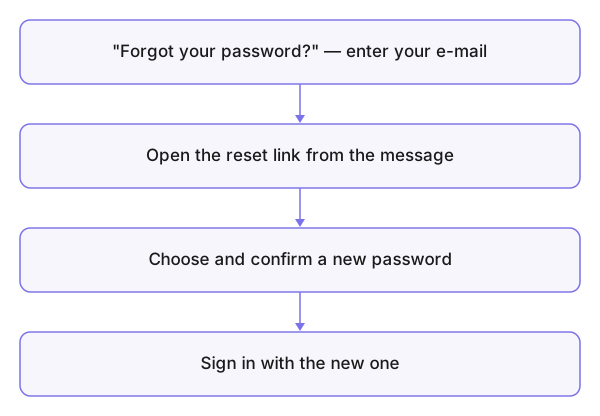
- From the sign-in page press Forgot your password? and enter your email address.
- Open the arriving message and press the reset link — valid for a limited time.
- Choose a new password under the usual rules and confirm it.
The same message arrives whether the account exists or not — protection against guessing addresses. Nothing arrived? Check spam and the spelling of the address.
Know your password and just want to change it? That happens in your account settings.