Invoices by state
Who this page is for
For whoever watches the receivables and payables: “Purchase or sales invoices owed, overdue or paid on a date” — what we owe and what we are owed, as of a day.
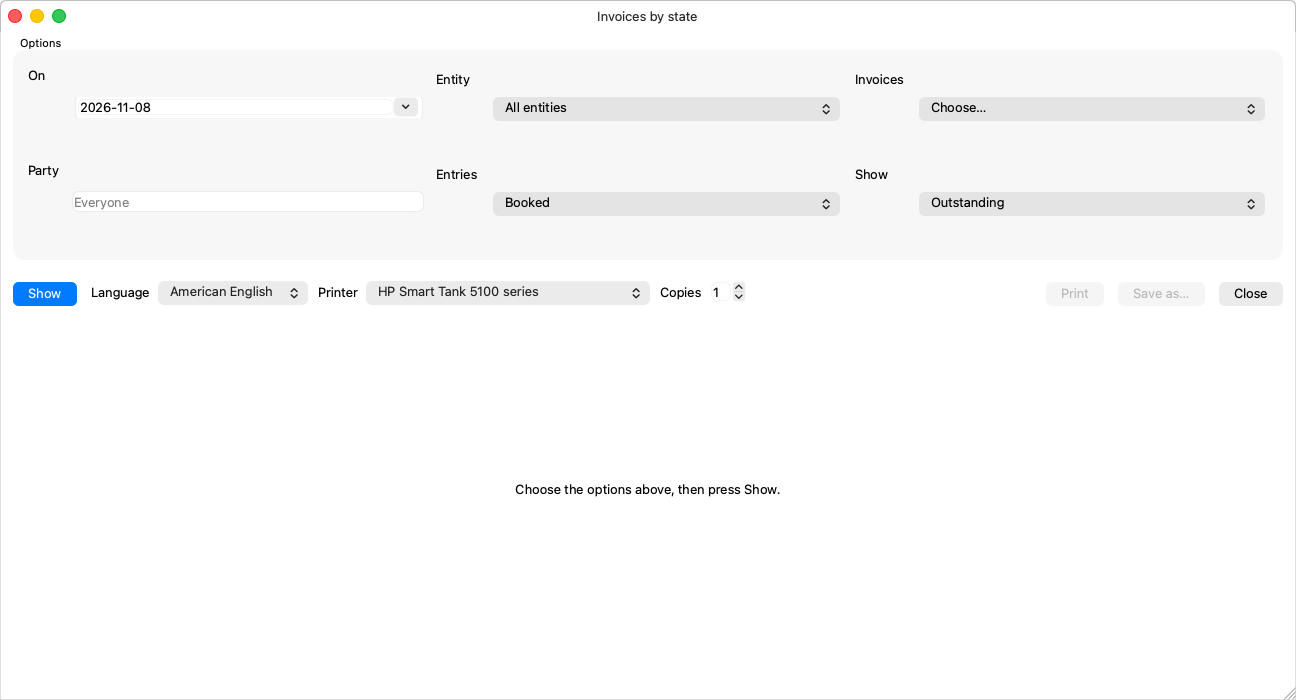
Options
| Option | Notes |
|---|---|
| On (required) | The snapshot's day. |
| Invoices (required) | “Purchase” or “Sales”. |
| Show | “Outstanding”, “Overdue” (the due date has passed), “Paid”, or “All”. |
| Entity and Party | Optional: narrow to one entity, or one vendor/customer — the party field searches live like the invoice's own. |
What it shows
Every invoice with its number, party, both dates, total, what was settled and what remains. A partially paid invoice counts among the outstanding by what is left of it.